A business application earns trust when staff can finish today's work despite an unreliable connection. Offline capability therefore starts with a local durability contract: what has actually been saved, what still needs synchronization, and what an operator can recover after a failure.
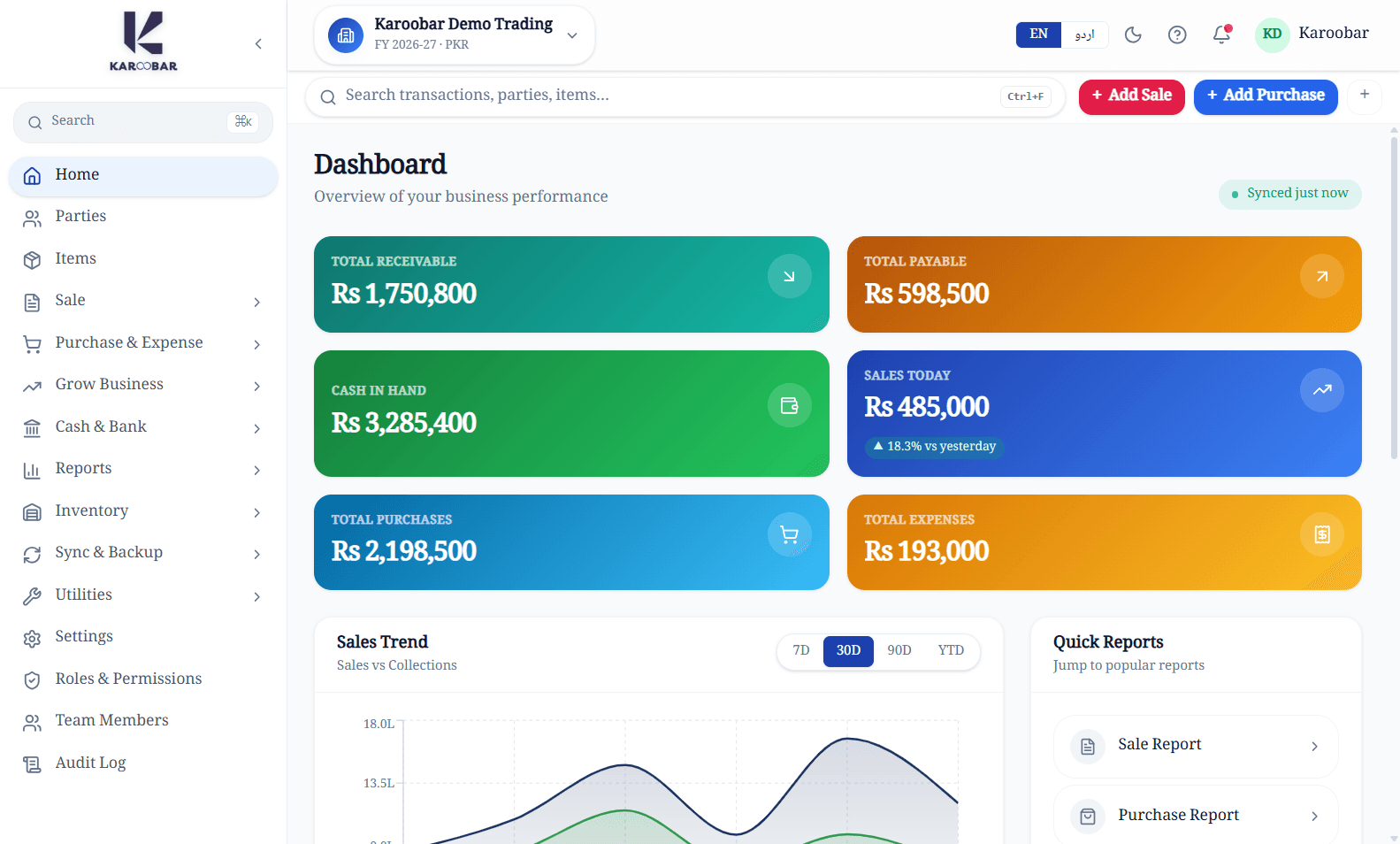
The Karoobar ERP case study introduces the desktop and cloud product. Its source includes company-scoped SQLite storage, a durable sync queue, version checks, conflicts, and workspace backup validation. This article draws on those implementation patterns. It describes engineering decisions and recommended drills, rather than claiming that every installation has passed every recovery scenario.
Define saved locally before defining synchronized
A successful local save should leave a durable business record even if the network disappears immediately afterward. A separate status tells the operator whether the server has acknowledged that change. Showing a single success indicator for both events makes troubleshooting difficult: a customer may assume another device already sees work that exists only on this computer.
Karoobar's outbox provides an operation that combines a repository mutation and queue entry in one SQLite transaction. The following pseudocode illustrates the principle, not the application's exact schema:
begin local transaction
  update_business_record(record, expected_version)
  enqueue_sync_change(record.id, expected_version, payload)
commit
If the transaction fails, neither half should be presented as saved. If it commits, a restart can find the pending operation.
The transactional outbox pattern addresses a similar dual-write problem in distributed systems. For desktop software, it also creates a practical support surface: pending operations can carry attempts, next retry time, and a useful failure reason instead of disappearing inside a background request.
Use versions to detect competing changes
Suppose one workstation edits a party address while another updates the same party from an older copy. A server that blindly accepts the last arriving request can overwrite valid work. An expected version lets the server reject a stale update and return enough context to explain the conflict.
The Karoobar repository and sync code contain version-aware updates and conflict records. The design does not need wall-clock timestamps to decide whose edit was based on which revision. Timestamps remain useful for display and investigation, but a device with the wrong clock should not win simply because its timestamp looks newer.
Conflict handling needs a business decision. A note may allow a manual merge; a posted business transaction may require a correction workflow. Show the local values, server values, and affected operation. Avoid an automatic overwrite option whose name hides the consequences. Record the resolution and keep dependent operations understandable.
Preserve ordering without blocking unrelated work forever
Some changes depend on earlier changes: a transaction can refer to an item or party created offline. A worker should understand those dependencies or preserve an order that respects them. A failed parent operation should produce an actionable state for its dependents rather than an endless stream of generic errors.
Karoobar's sync queue records entity, operation, base version, attempts, and status. These fields help explain the work remaining. For any transport, a request whose acknowledgement was lost needs a stable identity or another reconciliation mechanism. Retrying should not silently create another business record. Test this behavior against the server implementation rather than assuming that a retry library supplies it.
Treat deletion and tenant isolation as synchronization rules
An offline delete must remain visible to synchronization long enough to reach other replicas. Tombstones provide that evidence; immediately removing every trace can allow an old remote copy to return later. Decide when tombstones can be retired based on the actual replica and retention model.
Company identity also belongs in every relevant read, write, queue, and restore check. Karoobar's design uses separate local company databases and company-scoped operations. A file selected by an operator is still untrusted input: its name does not prove which business it belongs to. Validate ownership inside the backup and prevent a restore from crossing company boundaries.
Make backups through the database
SQLite's WAL documentation explains that committed changes may remain in the write-ahead log before checkpointing. Copying only the main file while the database is active can therefore miss committed work. A familiar-looking database filename is not enough evidence of a complete snapshot.
The SQLite Online Backup API provides a supported way to copy a live database. Karoobar's workspace export uses the database backup facility, writes a temporary artifact, and produces a checksum. Restore validation checks the file header, supported schema, and company ownership using a separate read-only handle before replacing the active workspace.
A checksum is useful for detecting an altered file, but it does not show that the selected snapshot contains the expected business activity. Keep backup creation time, application compatibility, and restore instructions with the artifact. Protect copies according to the information they contain, and verify that required attachments are covered by the recovery plan.
Rehearse restore and reconnection together
A realistic drill begins with a disposable company workspace. Create records offline, stop the process after a local save, restart, and confirm the pending changes remain. Reconnect and interrupt the acknowledgement path. Inspect the server for duplicates and verify that retry behavior matches the documented contract.
Then restore a backup into an isolated location. Check representative records and reports, application startup, migration behavior, and pending sync operations. Decide how the restored device should reconnect before enabling synchronization: replaying an old queue without understanding already accepted operations can reintroduce uncertainty. Include a corrupt file and a different-company file as rejection cases.
Takeaway
Offline ERP reliability comes from explicit states and rehearsed recovery. Save the record and synchronization intent together, detect competing edits, preserve ownership, and create consistent backups. A green connection icon or a completed file copy is only one observation; operators need evidence that their business work can be found, reconciled, and recovered.


